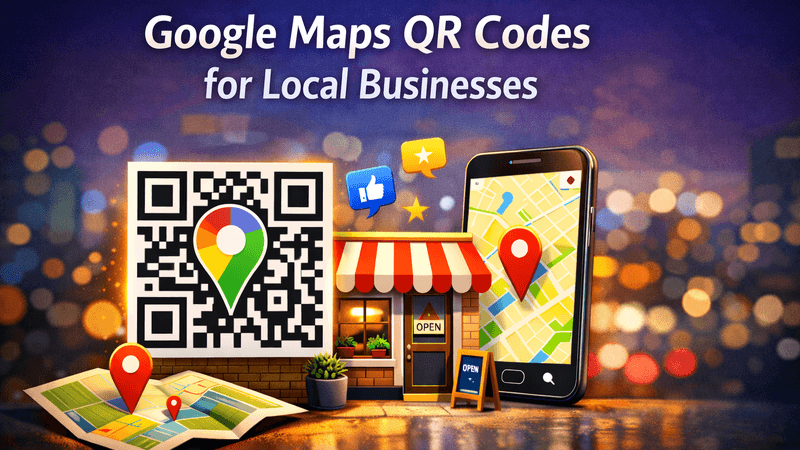
In today’s digital-first world, local businesses must make it easy for customers to find them instantly. One simple yet powerful tool that’s gaining massive popularity is Google Maps QR Codes. With a quick scan, customers can locate your business, get directions, read reviews, and visit you without typing anything.
In this guide, you’ll learn what Google Maps QR codes are, how they work, and why every local business should use them—plus how to create one easily using QR Code Creator.
Also Read: Dynamic QR Code for YouTube – Smarter Video Sharing Made Easy
What Is a Google Maps QR Code?
A Google Maps QR Code links directly to your business location on Google Maps. When customers scan the QR code using their smartphone camera, they are instantly redirected to your exact location with navigation, contact details, and reviews.
No searching. No typing. Just scan and go.
Why Google Maps QR Codes Are Perfect for Local Businesses
Local customers value speed and convenience. Google Maps QR codes help bridge the gap between offline and online discovery.
Key Benefits:
- Instant directions to your business
- Increased Google reviews & trust
- More walk-in foot traffic
- Mobile-friendly and easy to scan
- Saves customer time and effort
Whether you run a restaurant, salon, clinic, retail shop, or service business—this tool works for everyone.
Also Read: Create QR Code with Logo – Build Trust, Branding & Higher Engagement
How Google Maps QR Codes Help You Get More Customers
1. Make Your Business Easy to Find
Place your QR code on posters, business cards, menus, flyers, or storefronts. Customers scan and reach your location instantly.
2. Increase Walk-In Traffic
People nearby can scan the QR code and navigate to your store without confusion—perfect for busy areas.
3. Boost Google Reviews
After visiting your store, customers can easily return to your Google Maps listing and leave reviews.
4. Improve Customer Experience
A smoother journey means happier customers—and happy customers return.
Best Places to Use Google Maps QR Codes
- Store entrances & windows
- Business cards
- Menus & table tents
- Flyers & brochures
- Event banners
- Delivery packages
- Local advertisements
- Websites & landing pages
The more visible your QR code, the more scans you’ll get.
Also Read: How Businesses Use QR Code Tracking to Increase Conversions
How to Create a Google Maps QR Code Using QR Code Creator
Creating a Google Maps QR code is simple with QR Code Creator:
- Open QR Code Creator
- Select Google Maps QR Code
- Paste your business location link
- Customize colors or add your logo
- Download and use anywhere
No technical skills required.
Also Read: Why Your Restaurant’s Paper Menu Is Costing You Money
Best Practices for High QR Code Scans
- Use a clear CTA like “Scan for Directions”
- Keep enough contrast for easy scanning
- Place QR codes at eye level
- Test before printing
- Use dynamic QR codes for updates
Also Read: How to Create a QR Code That Actually Gets Scanned
Common Mistakes to Avoid
- Using blurry or low-resolution QR codes
- Placing QR codes too small or too high
- Not adding a call-to-action
- Linking to the wrong location
Avoid these, and your QR code will perform much better.
Also Read: Are Free QR Codes Safe? What You Should Know Before Using Them
Why Choose QR Code Creator?
QR Code Creator makes it easy to generate fast, scannable, and professional Google Maps QR codes that work across all devices. It’s ideal for businesses that want better visibility, more visits, and improved customer engagement.
Final Thoughts
Google Maps QR Codes for local businesses are no longer optional—they’re essential. They simplify navigation, improve customer experience, and drive real foot traffic to your store.
If you want an easy way to connect customers directly to your location, QR Code Creator is the smart choice.
Start using Google Maps QR codes today and make your local business easier to find than ever.