Introduction
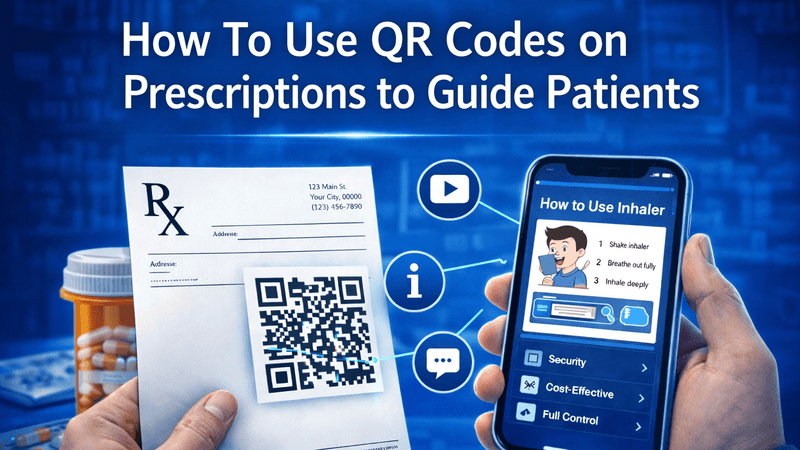
In today’s digital world, healthcare is becoming smarter and more patient-friendly. One simple yet powerful innovation is the use of QR codes on prescriptions. By adding a QR code, doctors and clinics can provide patients with instant access to important information—right from medication instructions to follow-up care.
In this guide, you’ll learn how to use QR codes on prescriptions to guide patients effectively, improve communication, and enhance the overall healthcare experience.
Also Read: Dynamic QR Code for YouTube – Smarter Video Sharing Made Easy
What Is a QR Code in Healthcare?
A QR (Quick Response) code is a scannable code that patients can scan using their smartphone camera. Once scanned, it can open links, documents, videos, or instructions.
Common Uses in Prescriptions:
- Medicine usage instructions
- Dosage reminders
- Diet and lifestyle guidelines
- Follow-up appointment details
- Lab reports or test instructions
Also Read: Create QR Code with Logo – Build Trust, Branding & Higher Engagement
Why Use QR Codes on Prescriptions?
Adding QR codes to prescriptions benefits both healthcare providers and patients.
Key Benefits:
- Easy access to information: Patients can view details anytime
- Reduces confusion: Clear digital instructions prevent mistakes
- Saves time: No need to explain everything verbally
- Improves patient engagement: Interactive and modern approach
- Eco-friendly: Reduces the need for printed materials
Also Read: How Businesses Use QR Code Tracking to Increase Conversions
How to Use QR Code on Prescription
Step 1: Create Digital Content
First, prepare the information you want to share, such as:
- Medication instructions (PDF or webpage)
- Video tutorials for medicine usage
- Diet charts or recovery tips
Step 2: Generate a QR Code
Use a reliable tool like QR Code Creator to generate your QR code. Simply paste your content link and create a scannable code within seconds.
Step 3: Add QR Code to Prescription
Place the QR code on:
- Printed prescriptions
- Digital prescriptions (PDFs)
- Hospital discharge summaries
Make sure it is clearly visible and easy to scan.
Step 4: Guide Patients
Inform patients about the QR code and how to use it:
- Ask them to scan using their phone camera
- Explain what they will find after scanning
Also Read: Why Your Restaurant’s Paper Menu Is Costing You Money
Best Practices for Using QR Codes in Prescriptions
Ensure Clarity and Simplicity:
- Keep content easy to understand
- Use simple language and visuals
Make It Mobile-Friendly:
- Ensure links open properly on smartphones
- Avoid heavy or slow-loading pages
Keep Information Updated:
- Regularly update content to ensure accuracy
Maintain Patient Privacy:
- Avoid sharing sensitive personal data without security measures
Also Read: How to Create a QR Code That Actually Gets Scanned
Practical Examples
1. Medicine Instructions
A QR code can link to a page showing:
- When to take medicine
- Before/after meals guidance
- Possible side effects
2. Post-Treatment Care
Patients can access recovery tips, exercises, and precautions.
3. Appointment Booking
Provide a quick link for follow-up scheduling.
Tips for Better Patient Engagement
- Add a short note like: “Scan for detailed instructions”
- Use high-quality, clearly printed QR codes
- Test the code before sharing
- Provide multilingual content if needed
Also Read: QR Codes for Education: Smarter Learning Made Simple
How QR Codes Improve Healthcare Experience
QR codes bridge the gap between doctors and patients by making communication faster and clearer.
Key Improvements:
- Reduces misunderstandings
- Improves treatment adherence
- Enhances patient satisfaction
- Supports digital healthcare transformation
Why Choose QR Code Creator?
For creating reliable and high-quality QR codes, QR Code Creator offers a simple and efficient solution. It allows healthcare professionals to generate codes quickly and customize them as needed, making patient guidance easier and more effective.
Also Read: How QR Codes on Equipment Reduce Maintenance Downtime
Conclusion
Using QR codes on prescriptions is a smart and modern way to guide patients. It simplifies communication, improves understanding, and enhances overall healthcare efficiency.
By integrating QR codes into your practice, you can provide better patient support while embracing digital innovation. Start using this simple tool today and transform the way you deliver healthcare information.
Also Read: Google Drive QR Code: The Smartest Way to Share Files Instantly | QR Code Creator
FAQs
1. How do patients scan QR codes on prescriptions?
Patients can use their smartphone camera or a QR code scanner app to scan and access the information.
2. Are QR codes safe to use in healthcare?
Yes, as long as patient data is protected and secure links are used.
3. Can QR codes reduce prescription errors?
Yes, they provide clear instructions, reducing confusion and mistakes.
4. Do QR codes work on all phones?
Most modern smartphones support QR code scanning through the camera.
5. What type of content can be linked to a QR code?
You can link videos, PDFs, webpages, appointment forms, and more.